
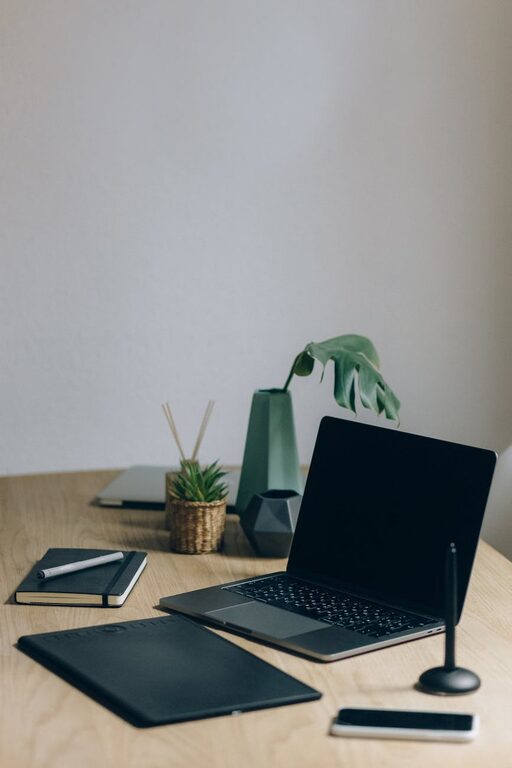
Creating a productive home workspace is essential for remote workers, freelancers, or anyone who spends significant time working from home. A well-organized area can improve focus, reduce stress, and help maintain a healthy work-life balance. This guide offers simple, effective tips to help you set up and organize your home workspace for maximum productivity.
Choose the Right Location
Quiet and Low-Traffic Area
Select a spot in your home where noise and interruptions are minimal. Ideally, this should be away from busy areas like the kitchen or living room.
Natural Light and Ventilation
Try to work near a window that provides natural light and fresh air. Proper lighting can reduce eye strain and improve mood.
Size and Comfort
Your workspace should be large enough to accommodate your essentials without feeling cramped. Ensure there is adequate room for movement and ergonomic furniture.
Invest in Ergonomic Furniture
Comfortable Chair
A good office chair with adjustable height and lumbar support promotes good posture and reduces back pain.
Appropriate Desk
Choose a desk that suits your work style. It should provide enough surface area for your computer, documents, and any other tools you use regularly.
Monitor and Keyboard Position
Position your computer monitor at eye level and keep your keyboard and mouse within easy reach to avoid strain.
Declutter and Organize
Keep Only Essentials
Remove unnecessary items from your desk to maintain a clean and distraction-free environment.
Use Storage Solutions
Use shelves, drawers, or organizers to keep documents, stationery, and gadgets neatly stored.
Cable Management
Tidy up cables with clips or sleeves to prevent tangling and create a cleaner look.
Personalize Your Space
Add Plants
Indoor plants can improve air quality and add a refreshing touch to your workspace.
Use Inspiring Decor
Incorporate items that motivate you, such as artwork, quotes, or photos, but avoid overcrowding your area.
Comfortable Textiles
Consider a soft rug or cushions to add warmth and comfort.
Set Up Efficient Lighting
Layered Lighting
Combine natural light with desk lamps or overhead lighting to provide balanced illumination throughout the day.
Avoid Glare
Position screens and lights to minimize reflections and glare, which can cause eye fatigue.
Establish Boundaries and Routines
Define Work Hours
Set specific work hours to separate professional time from personal life.
Use a Dedicated Work Zone
Keep your workspace reserved for work only to help your brain associate it with focus and productivity.
Take Breaks
Incorporate short breaks to stretch, rest your eyes, and recharge.
Use Technology Wisely
Productivity Tools
Utilize apps for task management, calendar scheduling, and time tracking to stay organized.
Minimize Notifications
Turn off unnecessary notifications during focused work periods to reduce distractions.
Reliable Internet
Ensure your internet connection is stable to support virtual meetings and online collaboration.
Maintain and Refresh Regularly
Weekly Cleanup
Set aside time each week to tidy your workspace and organize your materials.
Reassess Layout and Needs
As your work evolves, update your setup to better suit your tasks and comfort.
—
By thoughtfully designing and organizing your home workspace, you can create an environment that supports concentration, comfort, and efficiency. Remember, the best workspace reflects your personal needs and encourages you to work at your best every day.