
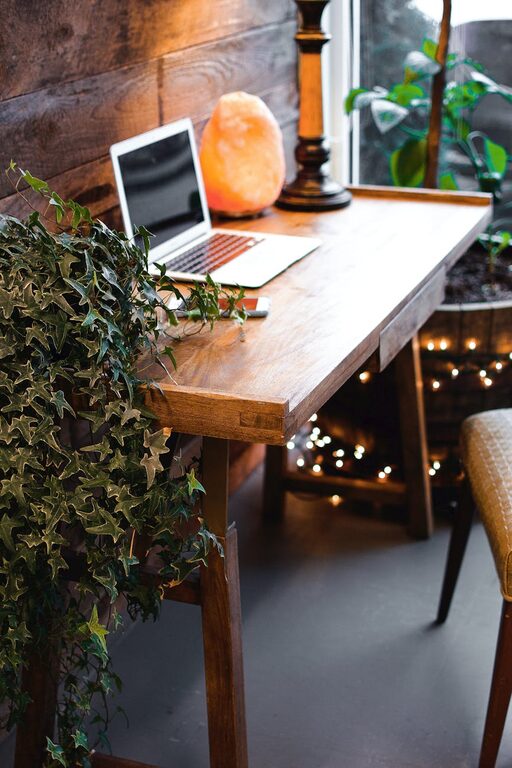
Creating a comfortable and productive home office space is key to staying focused and motivated while working remotely. Whether you’re setting up a dedicated room or a small corner in your living space, there are simple strategies you can use to enhance both comfort and efficiency. In this post, we’ll explore proven tips to help you design a workspace that supports your best work every day.
Why a Good Home Office Matters
Working from home can provide flexibility and convenience, but without the right setup, it can also lead to distractions, discomfort, and decreased productivity. A thoughtfully arranged home office helps separate work from personal life, reduces stress, and allows for better focus.
Choosing the Right Location
Find a Quiet, Low-Traffic Area
Select a space in your home that experiences minimal interruptions. A quiet spot helps you concentrate and maintain a professional mindset during work hours.
Prioritize Natural Light
Natural light can improve your mood and reduce eye strain. Position your desk near a window if possible, but avoid glare directly on your screen.
Consider Your Commute
Even if it’s within your home, having a consistent place to “go to work” can help build routine and mental separation from relaxation spaces.
Ergonomics: Comfort Meets Health
Invest in a Good Chair
An ergonomic chair that supports your back and encourages good posture is one of the most important purchases for your home office.
Desk Height and Monitor Placement
Your desk should allow your forearms to rest parallel to the floor, with your monitor at eye level to avoid neck strain.
Accessories for Comfort
Use a footrest, wrist pads, or adjustable monitor stands to tailor your workspace for maximum comfort.
Organizing Your Workspace
Declutter Regularly
Keep your desk surface clean and free from unnecessary items. A tidy area reduces distractions and promotes clear thinking.
Use Storage Solutions
Shelves, drawers, or baskets can help organize office supplies, cables, and documents, keeping everything within easy reach.
Create Zones
If your space allows, designate areas for different activities—such as computer work, phone calls, or brainstorming.
Technology and Tools
Reliable Equipment
Ensure your computer, printer, and other devices operate smoothly to avoid frustration and lost time.
High-Speed Internet
A strong internet connection is crucial for video calls, online research, and cloud-based work.
Cable Management
Use clips, ties, or sleeves to keep cords neat and prevent tangling or accidents.
Lighting Tips
Layer Your Lighting
Combine natural light with overhead lighting and task lamps to prevent eye strain and create a pleasant working environment.
Choose the Right Bulbs
Use bulbs with a color temperature between 4000K to 5000K for daylight-like brightness that helps keep you alert.
Personalizing Your Space
Add Plants
Indoor plants improve air quality and add a calming natural element to your office.
Display Inspiring Items
Photos, artwork, or motivational quotes can boost your mood and keep you inspired.
Maintain a Neutral Palette
Use calming colors like soft blues, greens, or neutrals to create a peaceful atmosphere conducive to focus.
Setting Boundaries and Routine
Establish Working Hours
Define when your workday starts and ends to help maintain work-life balance.
Take Breaks
Incorporate regular breaks to stretch, rest your eyes, and recharge.
Communicate Your Space’s Purpose
Let family or housemates know your work times and space boundaries to minimize interruptions.
Final Thoughts
Your home office should be a place where you feel both comfortable and productive. By considering your location, comfort, organization, technology, lighting, and personal touches, you can create a space that supports your best work and well-being. Start small and adjust as you go to find what works best for you. Happy working!